Contact Info
118 ALJUNIED AVENUE 2, SINGAPORE (380118)
support@cheapforexvps.com
Recommended Services


Supported Scripts
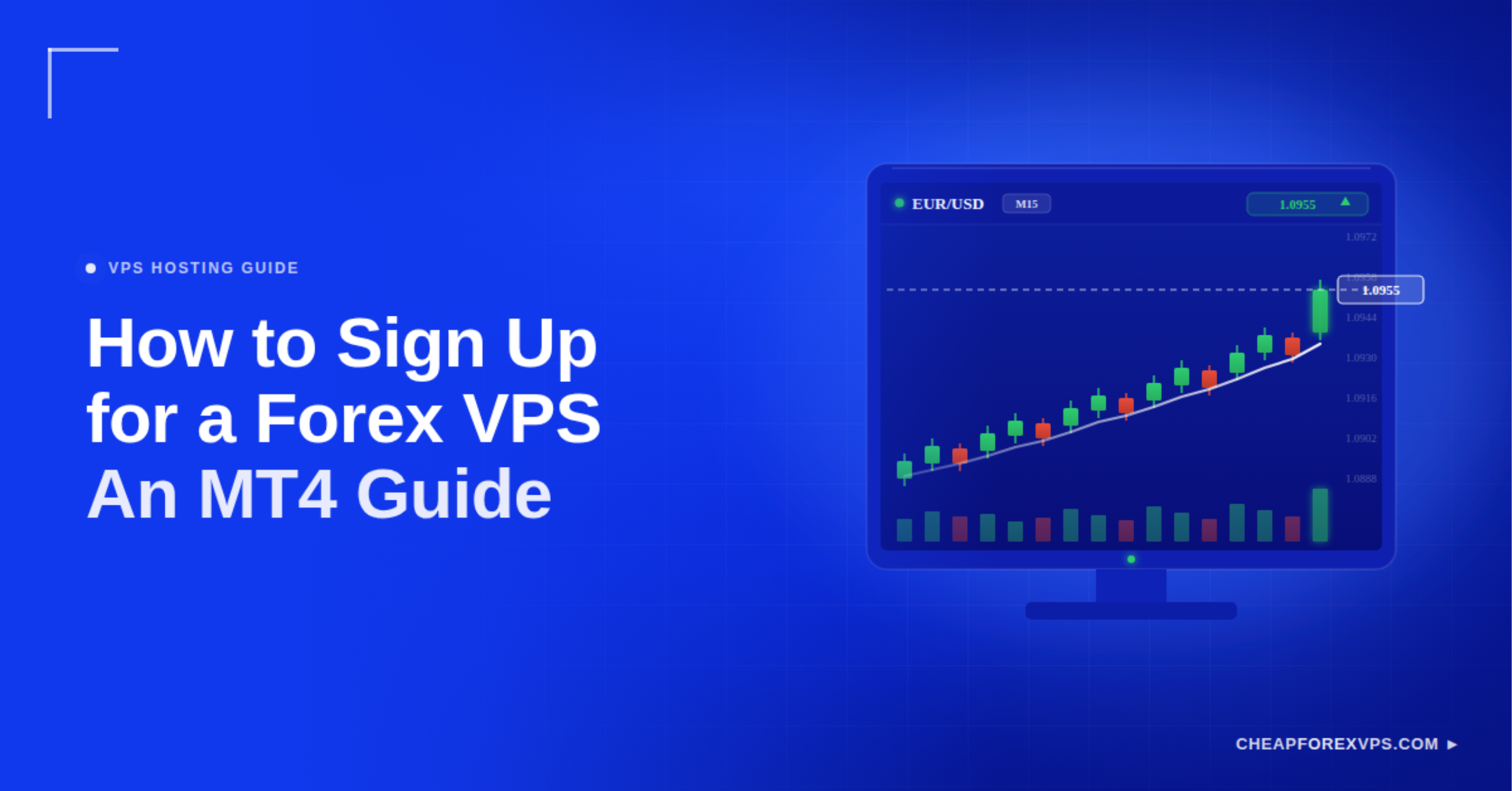
A laptop running an Expert Advisor is one Wi-Fi drop away from a missed trade. Power outages, forced system updates, and overheating can all freeze a trading platform at the worst possible moment.
Signing up for a Forex trading VPS removes that risk. You select a specialized hosting provider, choose a plan that matches your platform’s hardware needs, and connect through Remote Desktop Protocol to run your software around the clock.
A Forex VPS is a remote computer hosted in a professional data center that never powers down. Renting one moves your MetaTrader 4 (MT4) terminal and Expert Advisors off your personal device and onto infrastructure built for uptime and low latency.
This guide covers the full signup process, from gathering your requirements to logging in for the first time, and explains how to pick a plan and provider that fit your trading setup.
What Do You Need Before Signing Up for a Forex VPS?
Before signing up, you need four things: your broker’s server location, a count of the trading terminals you plan to run, a device that supports Remote Desktop Protocol, and a payment method. Gathering these first turns signup into a five-minute task.
|
Requirement |
Why You Need It |
|
Broker server location |
Determines which data center delivers the lowest latency |
|
Number of MT4 or MT5 terminals |
Sets the RAM and plan tier you should select |
| RDP-capable device |
Lets you connect from Windows, Mac, iOS, or Android |
| Payment method |
A card or PayPal completes checkout and triggers provisioning |
Your broker’s server location is the most important input. It decides which data center can deliver sub-1ms latency, so confirm it before you compare plans.
How Do You Sign Up for a Forex Trading VPS?
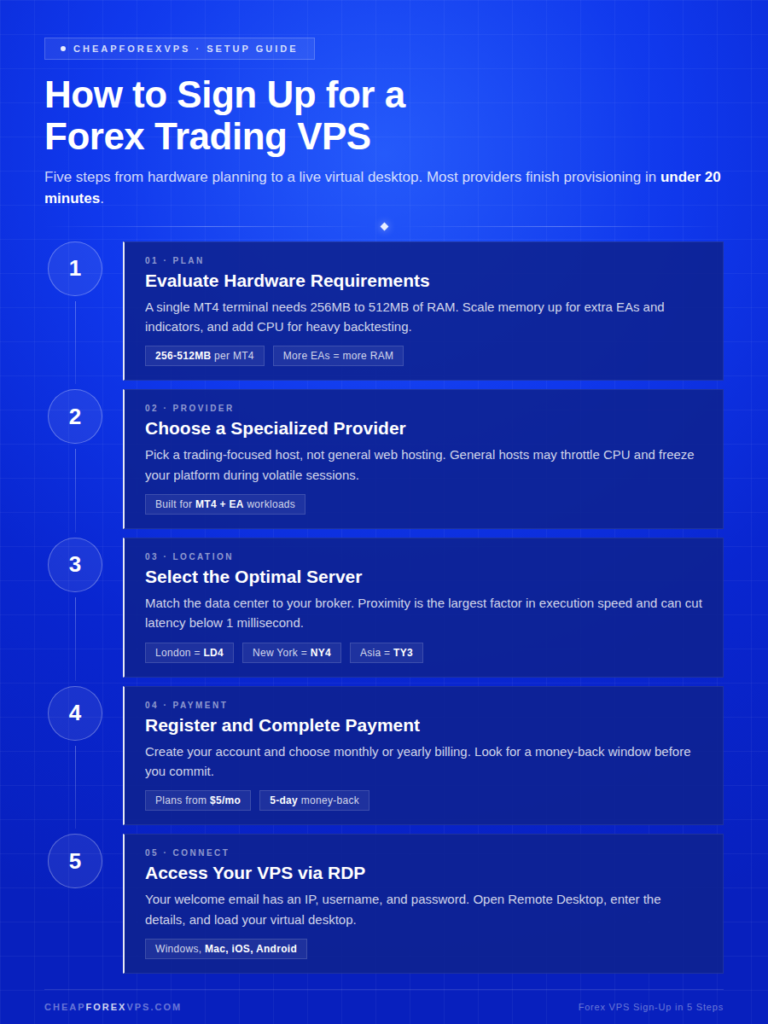
You sign up by evaluating your hardware needs, choosing a specialized Forex VPS provider, selecting a server location near your broker, completing payment, and connecting through Remote Desktop Protocol. Most providers complete provisioning in under 20 minutes.
Following these steps in order prevents the technical setbacks that catch new users, such as choosing the wrong server location or under-provisioning memory.
Step 1: Evaluate Your Hardware Requirements
Start by calculating how much memory your trading platforms need. A single MetaTrader 4 instance typically uses 256MB to 512MB of RAM, and that figure climbs fast with extra software.
Use this as a baseline:
- One MT4 terminal: 256MB to 512MB of RAM
- Multiple EAs or custom indicators: scale RAM upward
- Heavy backtesting or scripts: prioritize CPU alongside memory
MetaQuotes guidance points to proper resource allocation as the key to keeping a platform stable.
Step 2: Choose a Specialized Forex VPS Provider
Pick a provider that specializes in trading infrastructure, not general web hosting. General hosts may throttle CPU usage, which can freeze a platform during volatile sessions.
CheapForexVPS is built specifically for MT4 and Expert Advisor workloads. Mordor Intelligence identifies specialized hosting as one of the fastest-growing segments of the VPS market.
Step 3: Select the Optimal Server Location
Choose the data center closest to your broker’s servers. Physical proximity is the single largest factor in execution speed, and a close pairing can cut latency below 1 millisecond.
Match your VPS location to your broker:
- London broker: London (LD4) VPS
- New York broker: New York (NY4) VPS
- Asia-based broker: Tokyo (TY3) or Singapore VPS
CloudScene data shows that proximity to major financial hubs drives where trading infrastructure gets placed.
Step 4: Complete Registration and Payment
Create your account, choose your billing terms, and pay. Providers usually offer monthly or yearly billing, and plans at CheapForexVPS start from $5 a month.
Look for a money-back guarantee before you commit. CheapForexVPS offers a 5-day window to confirm the service meets your latency expectations.
Step 5: Access Your VPS via RDP
After payment, you receive an email with an IP address, username, and password. Connecting takes four steps:
- Open Remote Desktop Connection on Windows, or install the Microsoft Remote Desktop app on Mac, iOS, or Android.
- Enter the IP address from your welcome email.
- Enter your username and password.
- Confirm the connection to load your virtual desktop, ready for MT4 installation.
What VPS Configurations Should You Look For?
Look for a VPS with SSD storage, a pre-installed Windows Server license, and dedicated RAM and CPU rather than shared resources. These three specifications determine whether your platform runs smoothly under load.
- SSD storage: Solid state drives handle the fast read and write speeds that trading logs demand. Statista data shows SSDs significantly outperform traditional hard drives on speed.
- Windows Server OS: Most trading platforms are built for Windows. Confirm the VPS includes a pre-installed Windows Server license.
- Dedicated resources: A true VPS allocates fixed RAM and CPU cores that other users on the same machine cannot consume.
Which Forex VPS Plan Should You Choose?
Choose a plan based on how many MetaTrader terminals you run: a Lite plan for one or two, a Standard plan for three to five, and a Professional plan for heavy Expert Advisor usage. Always leave around 20% of RAM free as a buffer so Windows does not close your platform.
|
Feature |
Lite Plan | Standard Plan | Professional Plan |
|
Best for |
1-2 MT4 terminals | 3-5 MT4 terminals | Heavy EA usage |
|
RAM |
1-2 GB | 2-4 GB |
8 GB+ |
| Typical latency | Under 5ms | Under 2ms |
Under 1ms |
| Monthly cost | From $5 | From $15 |
From $30+ |
Latency is worth the price difference between tiers. A study cited by InformationWeek found that a 1-millisecond speed advantage in electronic trading can be worth millions of dollars a year to large firms. For retail traders, the same edge shows up as better fill prices on every order.
What Mistakes Should You Avoid When Signing Up?
The most common signup mistakes are choosing a server far from your broker, under-provisioning RAM, skipping the password change, and overloading the server with too many platforms.
- Wrong location: A New York server paired with a Tokyo broker increases latency instead of cutting it.
- Too little RAM: When a VPS runs out of memory, Windows closes the trading platform to protect the operating system.
- Default credentials: Change the Administrator password immediately after signup. IBM research identifies stolen credentials as a leading cause of unauthorized access.
- Server overload: Running ten platforms on a 1GB plan causes lag and failed trade executions.
How Do You Choose the Right Forex VPS Provider?
Choose a provider based on its uptime guarantee, support availability, and scalability, not price alone. A low monthly fee means little if the server goes down during market open.
Three criteria carry more weight than cost when comparing providers:
|
Criterion |
What to Look For | Why It Matters |
|
Uptime guarantee |
99.95% or higher with a published SLA | Even well-rated data centers experience outages |
| Support availability | 24/7 response measured in minutes |
The market opens Sunday night and runs 24/5 |
| Scalability | One-click plan upgrades |
New Expert Advisors should not require reinstalling |
CheapForexVPS commits to 99.95% uptime and provides 24/7 support through tickets and live chat. Uptime Institute research confirms that even well-rated data centers experience outages, so a clear Service Level Agreement matters more than a marketing number.
Scalability deserves a check before you commit. SelectUSA reports that algorithmic trading accounts for more than 70% of volume in major markets, and a growing strategy stack needs memory headroom to match.
How to Sign Up for a Forex VPS: Key Takeaways
Signing up for a Forex VPS is the process of renting a remote, always-on computer to host your trading platforms. The decision that matters most is server location: a data center near your broker pushes latency below 1 millisecond and reduces slippage.
This kind of cloud-hosted setup is now standard practice. Gartner forecasts that public cloud spending will approach $600 billion as professionals move critical workloads off on-premise hardware.
Before you pay, confirm these four points:
- Server location matches your broker’s data center.
- Plan RAM covers your terminals plus a 20% buffer.
- The provider guarantees at least 99.95% uptime.
- A money-back window lets you test latency risk-free.
To set up a low-latency MT4 server backed by a 5-day money-back guarantee, explore the plans at CheapForexVPS.
Frequently Asked Questions About Forex VPS Signup
What is the minimum cost to sign up for a Forex VPS?
You can sign up for a reliable Forex VPS from around $5 a month. That entry tier provides enough resources for one or two trading platforms. Heavier Expert Advisor setups need a higher plan.
Do I need technical skills to sign up?
No. If you can use a standard Windows computer, you can use a VPS. The provider handles server maintenance, and you simply log in and trade.
Can I use a Forex VPS on a Mac or phone?
Yes. The Microsoft Remote Desktop app lets you access your VPS from an iPhone, Android device, or MacBook. The trading platform still runs on the Windows server, not on your device.
How long does it take to get access after signing up?
Most providers offer instant provisioning, so login details usually arrive by email within 5 to 20 minutes of payment. You can connect through RDP as soon as they land.
Is a Forex VPS better than a VPN?
Yes, for trading purposes. A VPN only changes your IP address, while a VPS is a remote computer that stays on around the clock to run your software independently of your own device.
Can I run multiple brokers on one VPS?
Yes. As long as the VPS has enough RAM, usually 2GB or more, you can install and run several broker platforms at once. Watch your memory buffer if you keep adding terminals.