
Contact Info
118 ALJUNIED AVENUE 2, SINGAPORE (380118)
support@cheapforexvps.com


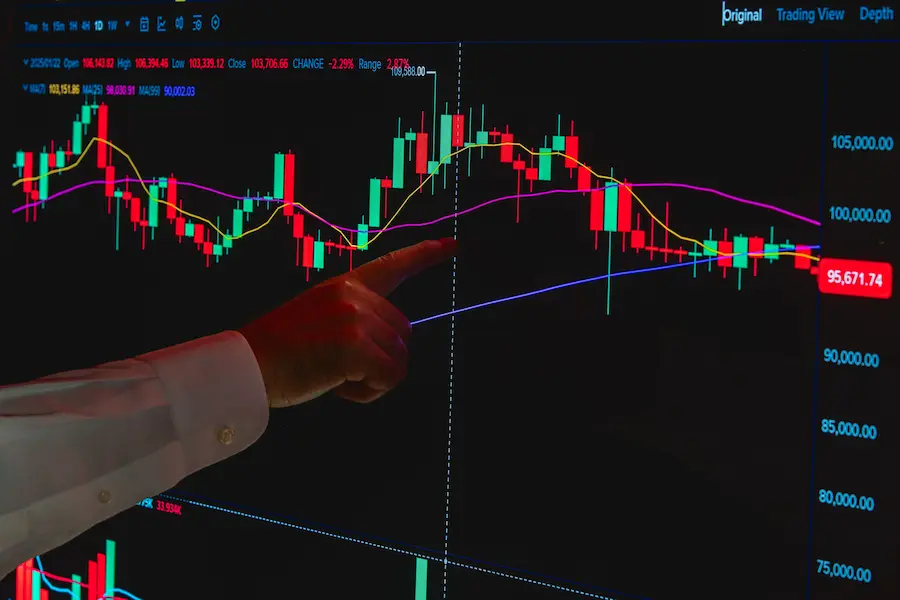
A forex VPS going offline stops the trading platform, not the account. What happens to open trades depends on whether each one is protected by something the broker holds or by something the platform runs.
Open positions do not close on their own, and previously placed stop-loss and take-profit levels remain active because the broker holds them on its server. What stops is anything that depends on the platform running, such as an Expert Advisor opening or managing trades, or a trailing stop in MT4. So the damage depends on which of those a strategy relies on. This article sets out what stays in place, what stops, and what a trader can do in advance.
What stays in place when a forex VPS goes offline?
The broker keeps open positions, and the stop-loss and take-profit levels attached to them, because those are held on the broker’s server and not on the VPS.
A VPS runs the trading platform. It does not hold the account. Positions and their protective levels sit with the broker, so an outage on the VPS does not delete them. The same is true if a home computer switches off. The positions stay exposed to the market, and previously placed stop-loss and take-profit levels remain active. However, slippage and price gaps may affect the actual execution price.
Does an open position close by itself?
No. It stays open until a stop loss or take profit is reached, someone closes it, or the broker closes it in a margin stop-out.
That cuts both ways. A trade with no stop loss has no protection while the platform is down, and the broker will not close it for the trader unless a margin stop-out applies, which varies by broker. The protective level has to exist before the outage, not after it.
Do stop loss and take profit still work?
Yes. According to the MetaTrader 4 help pages, a stop loss or take profit is handled by the server, not by the client terminal.
That is why many traders attach both levels to every position, including the ones an Expert Advisor opens. The guide to using stop loss and take profit covers how to set them.
What stops working when a forex VPS goes offline?
Anything that needs the platform running: Expert Advisor logic and, in MT4, trailing stops.
The table separates what the broker holds from what depends on the platform.
| Item | Held by | When the VPS is offline |
| Open positions | Broker’s server | Stay open |
| Stop loss and take profit | Broker’s server | Still triggers at the levels already set |
| Trailing stop in MT4 | The terminal | Stops updating, and the last stop level set stays in place |
| Expert Advisor entries and exits | The terminal | No new orders or changes until the platform runs again |
| Monitoring and manual action | The trader | Needs another way into the account |
What happens to a trailing stop?
In MT4 it stops following price. The last stop level it set stays on the server and can still trigger.
The MetaTrader 4 help pages say a trailing stop works in the client terminal, not on the server, so it does not work when the terminal is off. Only the stop loss level it last set remains. A position meant to lock in profit as price moved can be left with a stop far behind the market. MetaTrader 5 traders should check how their own setup behaves, and the notes on running MT5 on a cheap forex VPS cover the platform.
What happens to an Expert Advisor?
It does nothing while the platform is not running. It cannot open, close or modify trades.
Strategy logic that exits trades by code, such as closing a position at a profit target, simply waits. Any trade that depends on that logic stays open and unmanaged until the platform restarts. After a restart, the trader should confirm that both the platform and the Expert Advisor started again, and review what happened while the platform was down. The guide to stopping Windows updates from restarting a forex VPS covers one way an unplanned restart can happen.
How does a cheap forex VPS reduce the risk of going offline?
It reduces reliance on home internet and power connections, but it cannot eliminate the possibility of server downtime or connectivity issues.
On a VPS, the platform runs in a data centre, away from the trader’s own computer. Even an entry-level cheap VPS for forex trading can keep a trading platform running independently of a home computer. However, available resources and server location should match the trader’s platform, workload and broker connectivity requirements. CheapForexVPS offers New York and London locations, and its site lists support by ticket and live chat around the clock. Outages can still happen on any provider’s side. The guide to round-the-clock trading on a cheap forex VPS covers the day-to-day side of this.
Automatic backup is an optional add-on, and it protects data, which is a different risk from downtime. CheapForexVPS offers a five-day money-back guarantee on eligible VPS products, subject to its terms and conditions. The conditions of any guarantee are worth reading first. The full plan comparison lists plans and add-ons side by side.
What can be set up before an outage?
A few habits cover most of the risk.
- Attach a stop loss and take profit to every position, including those an Expert Advisor opens.
- Check whether the strategy relies on a trailing stop or other platform-side adjustments, and know what happens without them.
- Know another way into the account, such as the broker’s own platform or app, and test it before it is needed.
- Make sure the platform and the Expert Advisor start again after a restart.
- Keep the provider’s support details somewhere that does not depend on the VPS.
These simple checks can help traders prepare for unexpected interruptions and reduce the risk of leaving automated strategies unmanaged.
What can a VPS not prevent?
It cannot promise zero downtime, remove broker-side problems or protect a trade that has no stop loss.
A VPS lowers one source of risk. It does not remove market risk, and a broker’s own systems can have problems that no hosting plan affects. A larger plan adds room for more terminals and does not make an outage less likely. The most reliable protection is still the one that does not depend on the VPS at all, which is a stop loss held by the broker.
What is a sensible next step for a trader worried about outages?
The useful way to think about a forex VPS going offline is to ask, for each strategy, what lives on the broker’s server and what lives on the platform. Put protective levels on the first, and plan for the second. Once that is clear, the choice of plan is simpler, because it only has to cover the terminals actually running. Anyone with questions about setup can get in touch with the team before choosing a plan.