
Contact Info
118 ALJUNIED AVENUE 2, SINGAPORE (380118)
support@cheapforexvps.com


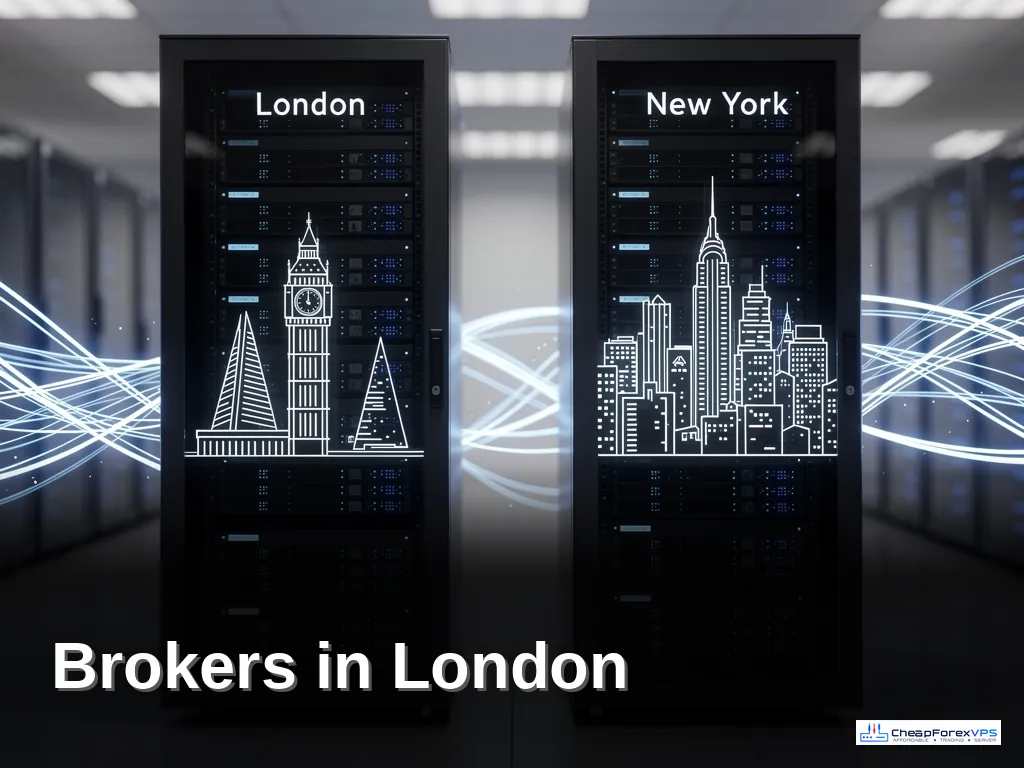
Brokers in London and New York? One VPS or Two?
*Short answer: If your strategies are latency-sensitive, such as scalping, news trading or tight stops, use two VPS: one in London for London-based brokers and one in New York for New York-based brokers. If your EAs are slower swing or position strategies, one VPS near the broker that matters most is usually enough and costs less.*
Many traders end up with accounts at several brokers. Perhaps one broker has the best spreads on gold, another is required by a prop firm, and a third offers an account type you like. The problem is that brokers do not all keep their servers in the same place. Some sit in New York, others in London.
A VPS can only be in one city. So do you put everything on one server and accept higher latency for some accounts, or pay for two servers? This guide helps you decide, using real latency figures and plan prices.
Why Broker Location Matters
Your orders travel from your VPS to your broker’s trading server. The shorter that distance, the lower your latency, and the less the price can move between your EA’s decision and your order arriving.
Our broker latency table shows how big the difference is. Here are some examples:
If you trade IC Markets and FTMO from a single New York VPS, IC Markets gets about 1 ms, but FTMO gets about 78 ms. Put the same VPS in London and the situation reverses. There is no single location that gives both accounts 1 ms.
Our article on how latency affects forex trading explains what those milliseconds mean for your fills.
Option 1: One VPS for Everything
Put all your terminals on one server in the city that matters most.
Pros
- Lower cost: one plan instead of two.
- One server to log in to, update and maintain.
- Simple setup.
Cons
- Accounts at brokers in the other city have 70-90 ms latency instead of about 1 ms.
- Strategies on those accounts face more slippage on fast moves.
Best for
- Swing and position traders whose trades last hours or days.
- EAs that use wide stops and targets.
- Accounts where you mainly monitor rather than actively trade.
How to choose the city
Put the VPS where your most latency-sensitive or highest-volume account is. If your scalping EA trades at IC Markets and a slow trend EA trades at XM, choose New York. Our guide on how to choose the right VPS location for your broker covers the details.
Option 2: Two VPS, One in Each City
Run a London VPS for London-based brokers and a New York VPS for New York-based brokers.
Pros
- Every account gets the lowest possible latency.
- If one server needs a restart, the other keeps trading.
- Load is spread across two machines.
Cons
- Two plans to pay for.
- Two servers to set up, update and check.
Best for
- Scalping, news and high-frequency strategies.
- Prop firm challenges where a few pips of slippage can matter.
- Traders running several EAs at brokers in both cities.
Cost Comparison
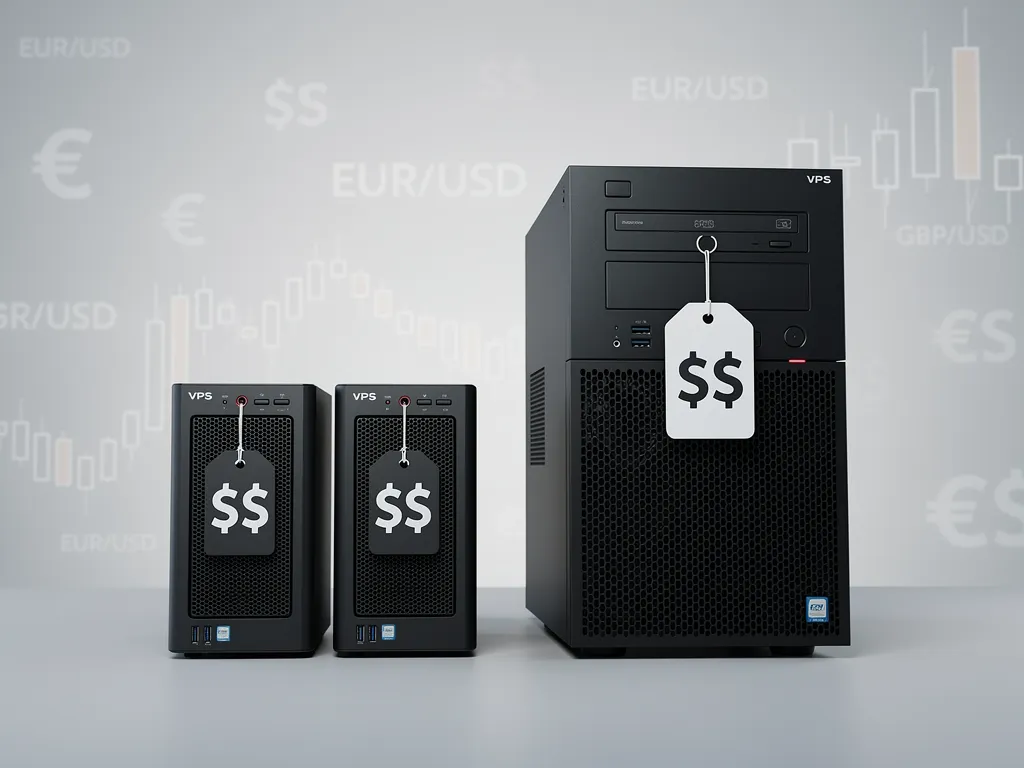
Cheap Forex VPS plans start at $5 per month on the Lite plan (on 24-month billing), with longer billing terms giving lower monthly prices. A typical comparison:
Two small servers often cost about the same as one larger one. For two accounts, two Lite plans at around $5 each give both accounts about 1 ms, for roughly the price of one Standard plan. Check current pricing on our plans page, as prices vary by billing term. For a full breakdown, see how much a forex VPS costs.
A Simple Decision Guide
- List your accounts and look up each broker in the latency table.
- Group them into “near New York” and “near London”.
- Rate each account’s strategy: is it sensitive to a few pips of slippage?
- If all sensitive accounts are in one city, use one VPS there.
- If sensitive accounts are in both cities, use two VPS.
- If nothing is very sensitive, use one VPS in the city with the most accounts.
Setting Up Two VPS Without Extra Hassle
- Name them clearly. Save remote desktop connections as “VPS London” and “VPS New York”.
- Use the same folder layout on both servers, for example C:MT4-BrokerName, so you always know where things are.
- Make every terminal start automatically after a restart. See how to auto-start MT4 after a VPS reboot.
- Back up both servers regularly, including each MT4 data folder.
- Check RAM. Each MT4 terminal uses roughly 1 GB. See how many EAs a cheap forex VPS can actually run.
What About Trade Copiers?
If you copy trades from one account to another, the copier usually needs both terminals on the same machine. In that case, one VPS is often simpler. Place it in the city of the receiving accounts if speed matters most for their fills, or the source account if the signal timing is critical. Test both on demo.
Moving Accounts Between Servers
If you start with one VPS and later add a second, moving a terminal is straightforward. Follow how to migrate your MT4 setup to a new VPS, then log in on the new server and close the old terminal.
Frequently Asked Questions
Can I run brokers in London and New York on one VPS?
Yes. All terminals will run, but accounts at brokers in the other city will have higher latency, often 70–90 ms instead of about 1 ms.
When do I need two VPS?
When latency-sensitive strategies trade at brokers in both cities, such as scalping or news EAs.
Is two VPS much more expensive?
Not necessarily. Two small plans often cost about the same as one larger plan with the same total capacity.
Which city should I choose for one VPS?
The city of your most latency-sensitive or most active account. Look it up in our broker latency table.
Can a trade copier work across two VPS?
Most trade copiers need both terminals on the same machine. Check your copier’s documentation; if in doubt, use one VPS.
Can I upgrade from one VPS to two later?
Yes. Order a second VPS in the other city and move the relevant terminals across.