Contact Info
118 ALJUNIED AVENUE 2, SINGAPORE (380118)
support@cheapforexvps.com


Trading from Asia? Choosing a London or New York VPS
*Short answer: Choose your VPS location by where your broker’s trading server is, not where you live. Your orders travel from the VPS to the broker, so a VPS in the same city as the broker gives the lowest latency. Your own distance to the VPS only affects how responsive the remote desktop feels, not how fast your trades execute.*
If you trade from India, Malaysia, the Philippines, Vietnam or anywhere else in Asia, choosing a forex VPS can feel confusing. Most providers offer servers in London and New York, which are thousands of kilometres away. It seems natural to want a server closer to home.
The good news is that, for trade execution, your location hardly matters. This guide explains why, how to choose between London and New York based on your broker, what to expect from the remote desktop connection, and how to set things up so the distance never affects your trading.
How a Forex VPS Actually Works
When you use a VPS, there are two separate connections:
- You to the VPS. This is your remote desktop connection. You use it to view MT4, change settings and check trades.
- The VPS to your broker. This is the trading connection. Every order your EA or terminal sends travels along this path.
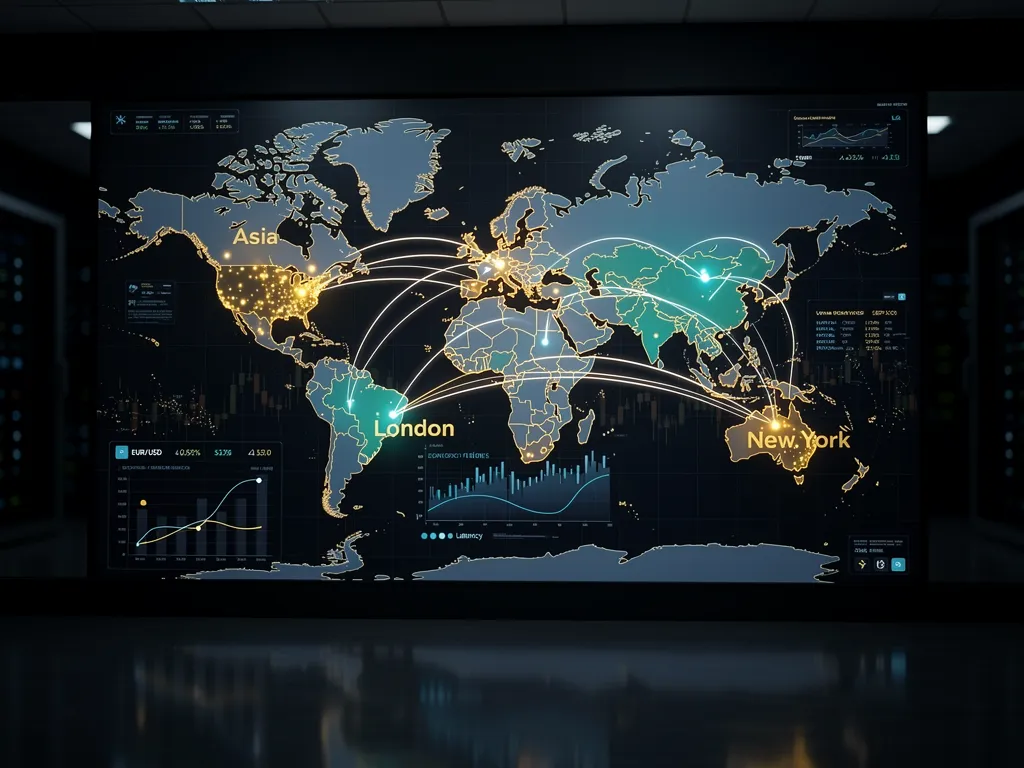
Only the second connection affects execution. When your EA opens a trade, the order goes from the VPS straight to the broker. It never travels to Asia and back.
That means a trader in Mumbai using a London VPS can have about 1 millisecond of latency to a London-based broker, while a trader in London running MT4 on a home PC might have 10–30 ms. Distance from you to the VPS is irrelevant to that number.
Why Not a Server in Asia?
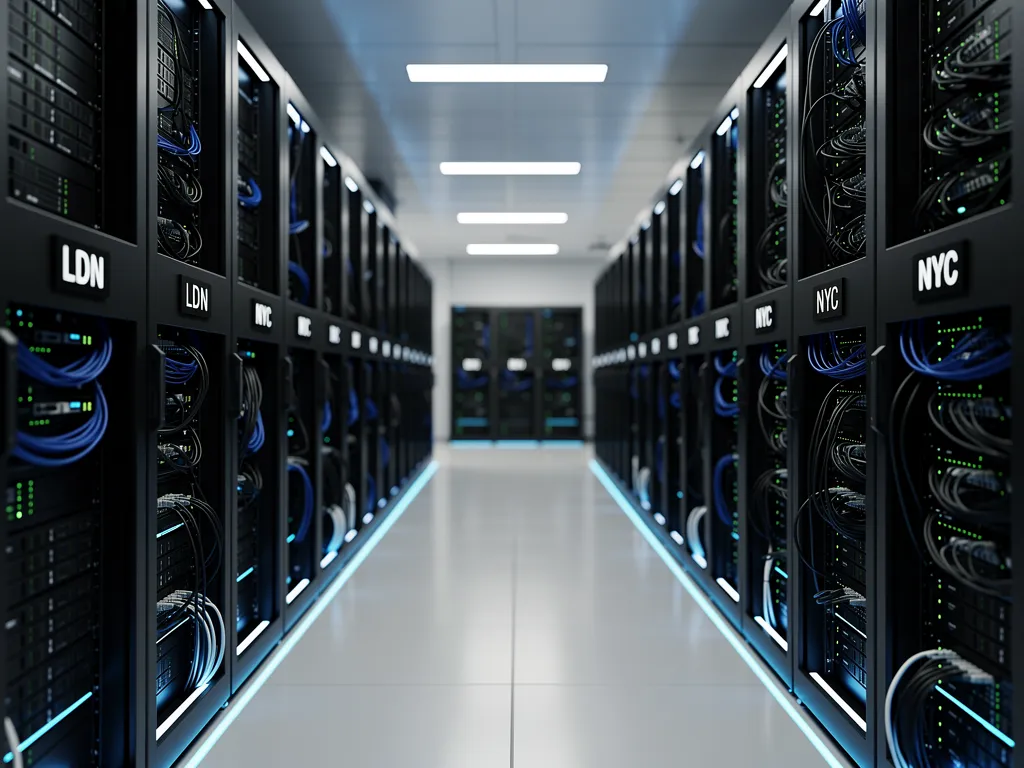
Cheap Forex VPS runs servers in London and New York only, and that is deliberate. Most retail forex brokers host their main trading servers in financial data centres in those two cities, close to the banks and liquidity providers that supply their prices. A VPS in Asia would be close to you, but far from most brokers’ servers, which is the wrong trade-off for execution.
Some brokers do run additional servers in Asian financial centres. If your broker’s main live server is in Asia, a London or New York VPS will not reduce your latency, and you should check this before you buy.
How to Choose: London or New York?
Step 1: Find your broker in our latency table
Our broker latency table shows measured latency from both data centres to more than 150 brokers and prop firms. Look up your broker and pick the location with the lower figure. A few examples:
The differences are large: choosing the right city often cuts latency from around 70 ms to about 1 ms.
Step 2: If your broker is not listed
Find your broker’s trading server address from MT4 and test it, or simply ask your broker which city their live server is in. Our guide on how to choose the right VPS location for your broker walks through the process. You can also ask our support team before ordering.
Step 3: Consider your trading rules
Some prop firms restrict certain locations. FTMO, for example, asks traders not to log in to MetaTrader from a United States location, so a London VPS is the right choice there. See do prop firms allow a VPS?
What About the Remote Desktop Lag?
The connection from Asia to London or New York does add delay to your remote desktop session. From South and South-East Asia, round-trip time to London is often well over 100 ms, and to New York usually more. In practice this means:
- Mouse movements and window changes feel slightly delayed.
- Scrolling charts may be a little less smooth.
- Your trades are not affected. Orders placed by an EA, or by clicking buy or sell inside MT4 on the VPS, go directly from the VPS to the broker.
For most traders, London feels a little more responsive than New York from Asia, simply because it is closer. If your broker is equally close to both, London is the more comfortable choice.
Tips to make remote desktop feel faster
- Lower the colour depth and resolution in your remote desktop settings.
- Use a wired connection rather than Wi-Fi where possible.
- Close unused charts and programs on the VPS.
- Check trades from your phone using your broker’s MetaTrader app, which connects to the broker separately and does not need the VPS at all.
Our guides on connecting from a Windows PC and using a forex VPS on Android cover the settings in detail.
Manual Traders in Asia: Is a VPS Still Worth It?
If you trade by hand by clicking inside MT4 on the VPS, the order still goes from the VPS to the broker, so you get the low latency. But your decision is based on what you see on screen, which reaches you with the remote desktop delay. For most manual strategies, that is a fraction of a second and makes no practical difference. For very fast manual scalping, it can. Read do you need a VPS for manual forex trading? to decide.
For automated trading, a VPS near your broker is almost always worth it: your EA runs 24/5 and reacts at server speed, regardless of your time zone or home internet.
Time Zones: Trading While You Sleep
For Asian traders, the London and New York sessions fall in the evening and overnight. That is exactly when a VPS helps most. Your EA trades the busiest hours of the market while you sleep, and you check results in the morning.
Make sure MT4 restarts on its own if the server reboots overnight. Follow how to auto-start MT4 after a VPS reboot.
A Note on Brokers and Regulation
Always use a broker that is permitted to serve clients in your country, and check your local rules on forex trading before funding an account. Rules differ widely across Asia.
Getting Started
- Look up your broker in the latency table.
- Choose London or New York based on the lower figure.
- Pick a VPS plan sized for your number of terminals.
- Install MT4, log in, and attach your EA.
Frequently Asked Questions
Should a trader in Asia choose a VPS close to home?
No. Choose the VPS closest to your broker’s trading server. Distance from you to the VPS does not affect execution.
Does Cheap Forex VPS have servers in Asia?
No. Servers are in London and New York, where most forex brokers host their trading servers.
Will my trades be slower because I live far from the VPS?
No. Orders travel from the VPS directly to the broker. Only the remote desktop view is affected by your distance.
Is London or New York better for Asian traders?
Whichever is closer to your broker. If both are similar, London usually feels more responsive from Asia.
Why does my remote desktop feel slow?
Because of the distance between you and the VPS. Lower the display settings and use a wired connection. Trade execution is not affected.
Can I check my trades without connecting to the VPS?
Yes. Use your broker’s MetaTrader mobile app, which connects directly to the broker.