

Contact Info
118 ALJUNIED AVENUE 2, SINGAPORE (380118)
support@cheapforexvps.com


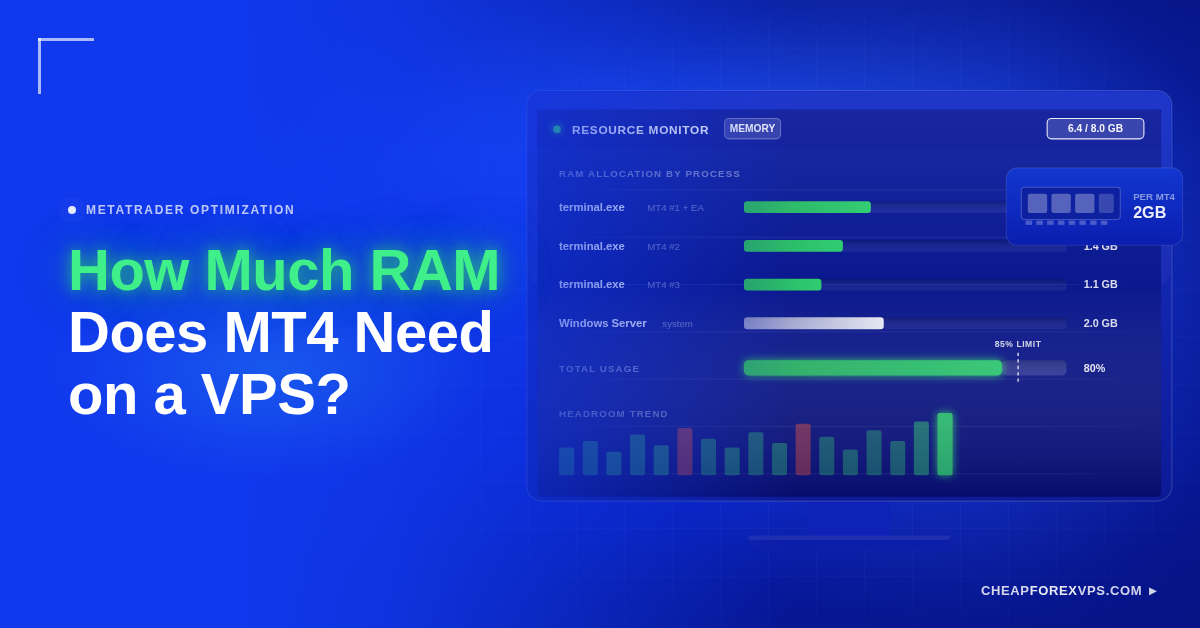
How Much RAM Does MT4 Need on a VPS?
You set up MT4 on a small VPS, and it opens fine. Then you add an Expert Advisor, a few indicators, and a second account, and the platform starts to lag during volatile sessions. The problem is usually not MT4 itself. It is that the server ran ...
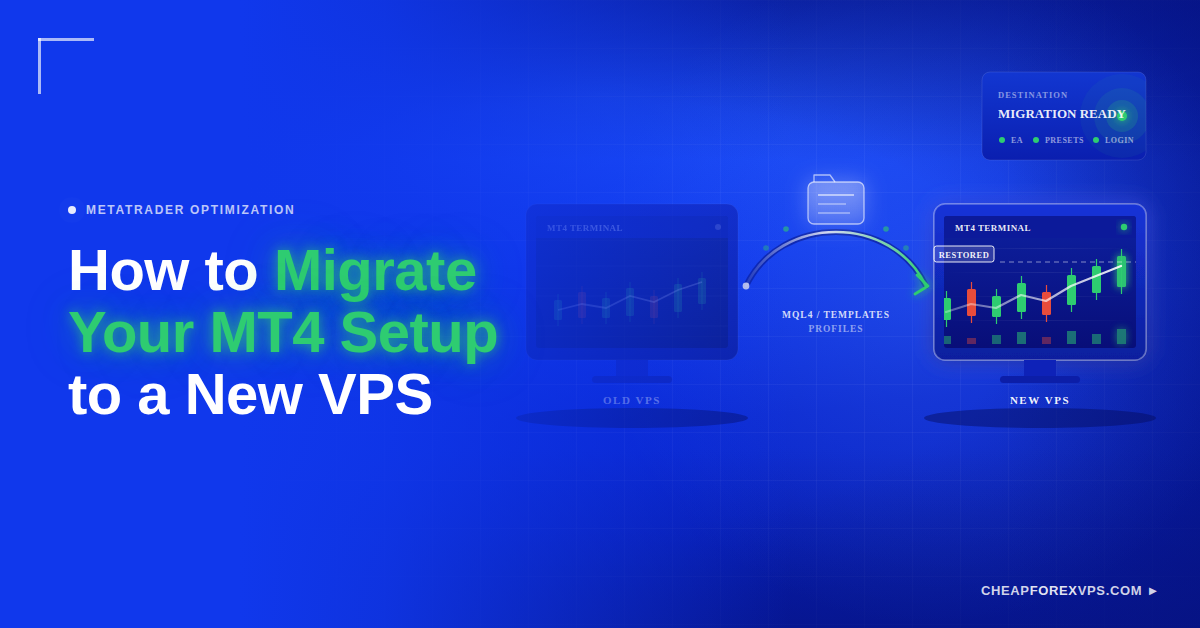
How to Migrate Your MT4 Setup to a New VPS
Moving your MT4 setup to a new VPS feels risky when your current platform already works. Your Expert Advisors, indicators, templates, profiles, and broker settings are all tied to that server. Migrate MT4 to a new VPS by installing the platform on the new server, copying your ...
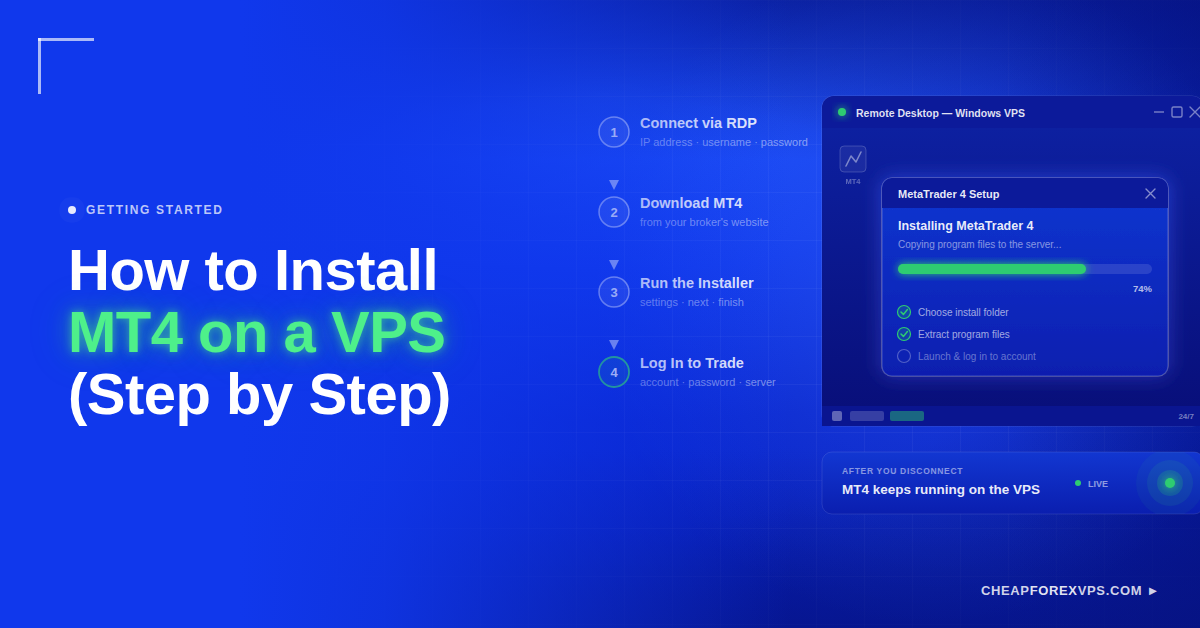
How to Install MT4 on a VPS (Step by Step)
Your trading platform stops the moment your laptop sleeps, your internet drops, or Windows restarts for an update. For anyone running Expert Advisors or live strategies overnight, that downtime means missed entries and broken automation. Installing MT4 on a VPS fixes this: you connect to a remote ...

How Can MetaTrader 4 (MT4) Boost Your Forex Trading?
Automating your trading endeavors with MetaTrader 4 (MT4) provides you with user-friendly access to complex technical analysis and advanced trading systems. Aside from its highly customizable platform, MT4’s trading automation feature will let users implement algorithms according to their pre-set parameters.
On this blog, we’ll talk about the ...