
Contact Info
118 ALJUNIED AVENUE 2, SINGAPORE (380118)
support@cheapforexvps.com


Best VPS Specs for MT5 Strategy Tester & EA Optimization
*Short answer: For MT5 optimisation, CPU cores matter most, because each core runs one testing agent and finishes passes in parallel. Plan for about 1–2 GB of RAM per agent plus 2–3 GB for Windows and your live terminals, and leave plenty of fast NVMe storage for tick history. For most EA developers, 4 to 8 cores with 8 to 16 GB of RAM is the sweet spot.*
If an overnight MT5 optimisation is only 40% done by morning, hardware is the bottleneck. The question is which part: cores, clock speed, memory or disk.
This guide breaks down how the MT5 Strategy Tester uses each resource, shows the maths behind optimisation times, and maps common testing workloads to real VPS specs. If you are new to running the tester on a server, start with our overview, can you run the MT5 Strategy Tester on a VPS?, then come back here for the detail.
How the MT5 Tester Uses Hardware
MT5 runs tests through testing agents. It creates one local agent per logical CPU core. A single backtest uses one agent. An optimisation hands a separate parameter combination (a “pass”) to every agent at once, so all cores work in parallel.
The rule: one backtest depends on single-core speed; an optimisation depends on the number of cores.
Cores: The Biggest Lever for Optimisation
Because passes run in parallel, doubling the cores roughly halves the time of a large optimisation. Here is a worked example: an optimisation of 2,000 passes, where each pass takes 45 seconds on one core.
Real results are a little slower than this ideal: genetic optimisation waits for each generation to finish, each agent’s first pass loads its own history, and live EAs on the same server need at least one core. The pattern still holds: more cores save hours on every run.
Single-core speed still matters
Single backtests and visual-mode tests run on one agent, so per-core speed decides how long you wait. Dedicated cores help because you are not competing with other customers for processor time. If you want to understand the difference, read shared vCPU vs dedicated CPU on a forex VPS.
RAM: How Much per Agent?
Every agent loads price data and runs its own copy of your EA, so memory use grows with the number of agents. A practical planning figure is 1–2 GB per agent, but the real number depends on four things:
- Number of symbols. A single-symbol EA loads one history. A multi-currency EA testing 10 pairs loads 10, and memory rises sharply.
- Tick model. “Open prices only” and “1 minute OHLC” use far less memory than “Every tick based on real ticks”, which loads the full tick stream.
- Test period. Ten years of real ticks needs much more than one year.
- EA design. EAs that store large arrays, run several indicators on many timeframes, or keep big trade logs use more memory per agent.
On top of the agents, allow about 2–3 GB for Windows Server and your terminals. Each running MetaTrader terminal typically uses around 1 GB. Our guide on how much RAM MT4 needs on a VPS explains the terminal side.
What happens when RAM runs out
When memory is full, Windows swaps to disk and everything slows, including live EAs. If Task Manager shows memory above about 85% during an optimisation, disable a few agents in the tester’s Agents tab, or move to a plan with more RAM. A high-RAM VPS for backtesting is mainly about multi-symbol and real-tick testing; single-symbol optimisation on bar data rarely needs it.
A quick RAM formula
Required RAM ≈ (number of agents × GB per agent) + 3 GB.
For example, 8 agents testing a multi-symbol EA on real ticks at 1.5 GB each need about 8 × 1.5 + 3 = 15 GB, so a 16 GB server fits.
Storage: MT5 Tick Data Requirements
Tick history is where many traders underestimate their needs. MT5 stores downloaded history in the bases folder inside its data folder, organised by broker server. Each testing agent also keeps its own working copy of the data it uses.
There is no fixed size per symbol, because it depends on how active the market is and how many ticks your broker records. As a guide:
- Bar history (M1 data) is small: typically tens of megabytes per symbol per year.
- Real tick history is much larger. Traders on the MQL5 forum report MT5 history folders growing beyond 4 GB with only a handful of symbols. StrategyQuant’s team estimates that one month of GBPUSD tick data takes around 1 GB when exported for testing. MT5’s own compressed format is smaller than an export, but busy pairs can still use several gigabytes per year.
- Agent copies multiply it. Local agents keep their own data in the Tester folder, so heavy real-tick testing across many agents can use the same history several times over.
Planning your disk space
A practical rule is to keep at least 20–30 GB free for real-tick testing on a few major pairs over several years, and more for multi-symbol portfolios. Windows Server and updates already use a significant share of a small disk, so a 30 GB plan suits bar-data testing, not heavy tick work. To reclaim space, delete old tester caches and history for symbols you no longer test.
NVMe vs SATA SSD
Agents read history from disk at the start of each pass. On fast NVMe storage, that loading is brief; on slower disks, it can add noticeable time to every pass, which adds up over thousands of passes. NVMe also helps when many agents read history at the same moment. Read why NVMe SSD storage matters for trading servers for more.
Specs by Workload
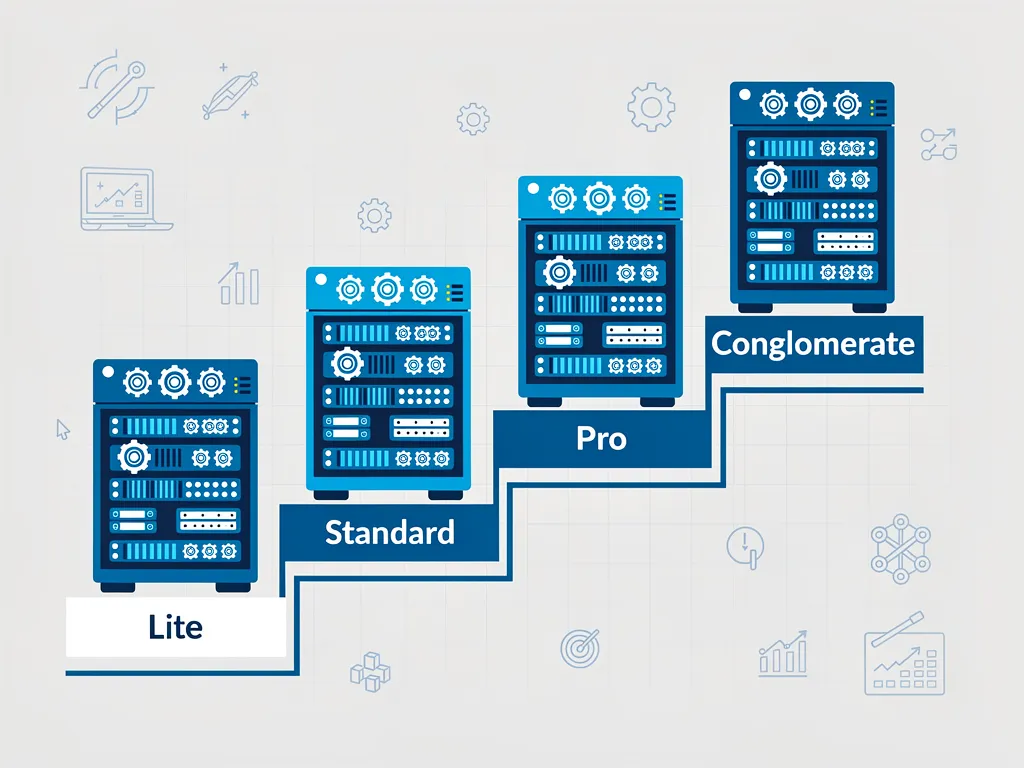
Use this table to match your testing to a Cheap Forex VPS plan. Prices are the 24-month rates listed on our plans page; always check the current price before you buy.
RAM grows with cores at roughly 2 GB per core, which suits most optimisation workloads.
Three Mistakes to Avoid
- Buying cores without RAM. Eight agents on 4 GB will swap and run slower than four.
- Ignoring disk space. A real-tick optimisation can fail halfway when the disk fills.
- Optimising on your live server during market hours. Run large jobs at the weekend. If you already run several EAs, check how many EAs a cheap forex VPS can actually run before adding testing on top.
Does Server Location Matter for Testing?
No. Backtests run on historical data stored on the server, so the distance to your broker does not change the results or the speed. Location only matters for your live terminals, which should sit close to your broker’s server. Check our broker latency table to choose London or New York for live trading.
Frequently Asked Questions
How many cores do I need for MT5 optimisation?
Four cores is a comfortable starting point for regular optimisation. Eight or more makes large optimisations several times faster, because each core runs one testing agent.
How much RAM per testing agent should I plan for?
About 1–2 GB per agent for most EAs, plus 2–3 GB for Windows and terminals. Multi-symbol EAs tested on real ticks need the upper end.
How much disk space does MT5 tick data need?
Bar data is small, but real tick history can reach several gigabytes per busy pair per year. Keep 20–30 GB free for real-tick testing.
Does NVMe storage make backtests faster?
It shortens the time agents spend loading history at the start of each pass. The effect is largest in optimisations with thousands of passes.
Is single-core speed or core count more important?
Core count for optimisations, single-core speed for individual backtests. Most traders care more about optimisation speed.
Can I test on the same VPS that runs my live EAs?
Yes, if you reserve one core for live trading and keep memory below about 85%.