

Contact Info
118 ALJUNIED AVENUE 2, SINGAPORE (380118)
support@cheapforexvps.com


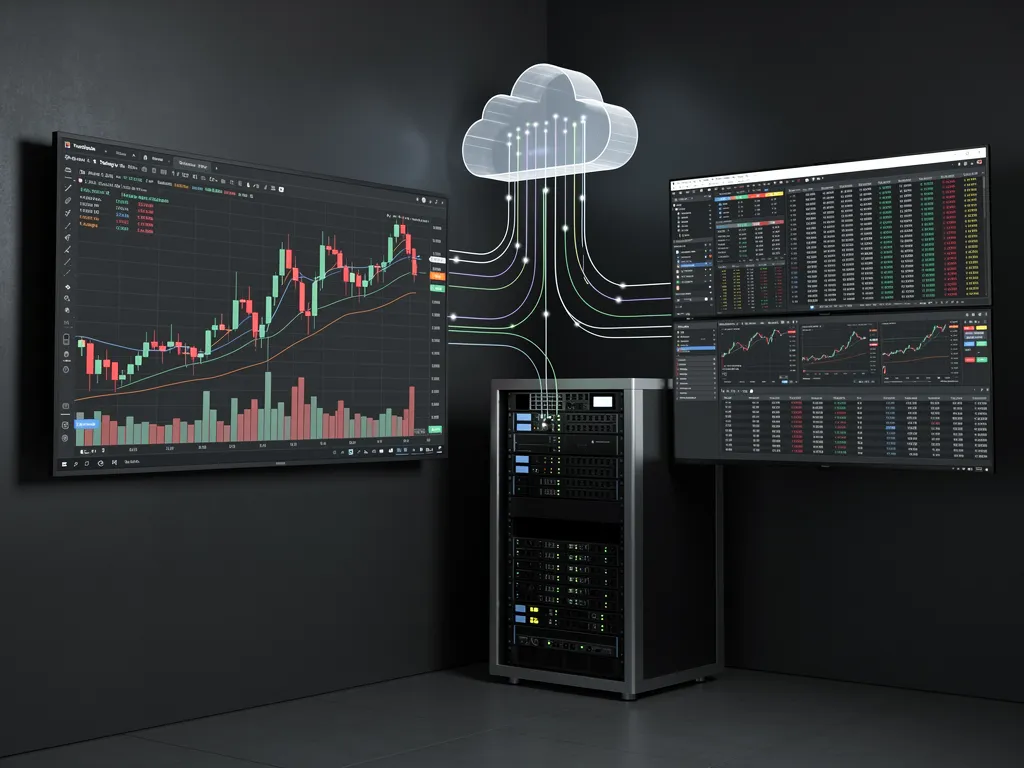
How to Send TradingView Alerts to MT4 Using a VPS
How to Send TradingView Alerts to MT4 Using a VPSTradingView is where many traders build and test their ideas. Its charts are excellent, Pine Script is easy to learn, and its alerts can fire the moment your conditions are met. MetaTrader 4 is where many of those ...
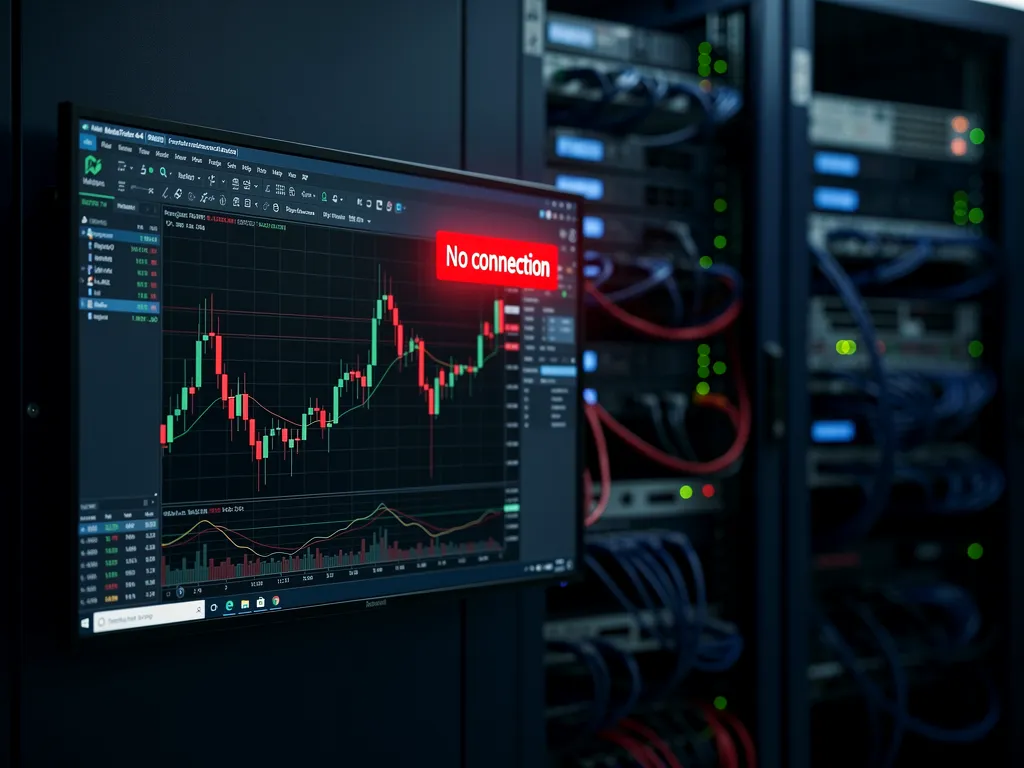
Fixing “No Connection” Errors in MT4 on Your VPS
You connect to your VPS, glance at MT4 and see it in the bottom-right corner: a red bar icon and the words No connection. Your charts have stopped updating, your Expert Advisors cannot trade, and you have no idea how long it has been like this.The good ...

What Should a Cheap Forex VPS Review Actually Test?
A VPS can look impressive on a pricing page and still struggle once MT4, several charts, and Expert Advisors begin running together. Advertised RAM and vCPU counts do not show whether broker latency stays stable, CPU performance drops under sustained load, or Remote Desktop becomes sluggish during ...

How Do Forex VPS Coupon Codes Work?
You find a Forex VPS coupon code offering a large discount, enter it at checkout, and see the price drop immediately. The problem is that the discounted amount does not tell you what the second invoice will cost. Forex VPS coupon codes reduce eligible charges according to ...
How Do You Transfer Files to a Forex VPS With RDP?
You have a working MT4 setup on your computer and need to move the EAs, indicators, presets, and supporting files to a remote trading server. Copying everything into one folder is not enough because MetaTrader expects each file type in a specific data directory. You can transfer ...
How Do You Use a Forex VPS on Android?
You are away from your computer when you need to check MT4, review an EA, or manage an open position. Instead of moving the entire trading setup to your phone, you can connect your Android device to the Windows VPS where the platform is already running. A ...

What Is a Forex VPS for EA Trading?
You leave an Expert Advisor running on your home computer overnight, then discover that Windows restarted, the platform closed, or the internet connection dropped while you were away. The EA cannot keep processing new market events if the environment hosting it disappears. A Forex VPS for EA ...

Do You Need a VPS for Manual Forex Trading?
You place every trade yourself, so keeping a remote server online may seem unnecessary. Your broker already holds open positions after you close MT4, and you are not running an Expert Advisor that needs constant access. You do not need a VPS for manual Forex trading, but ...

Windows Forex VPS vs Linux VPS: Which Is Better?
You move MT4 or MT5 from your home computer to a VPS and have to choose between Windows and Linux. Both can host MetaTrader, but the setup path is different. A Windows Forex VPS is generally the better choice when MT4, MT5, Expert Advisors, Windows DLLs, and ...

Forex VPS vs Dedicated Server: Which Do You Need?
Your trading setup starts with one MT4 terminal and a few EAs, then grows into several accounts, trade copiers, monitoring tools, and heavier automation. Increasing the VPS plan solves most growth problems, but there is a point where predictable processing and physical workload isolation become more important.
A ...